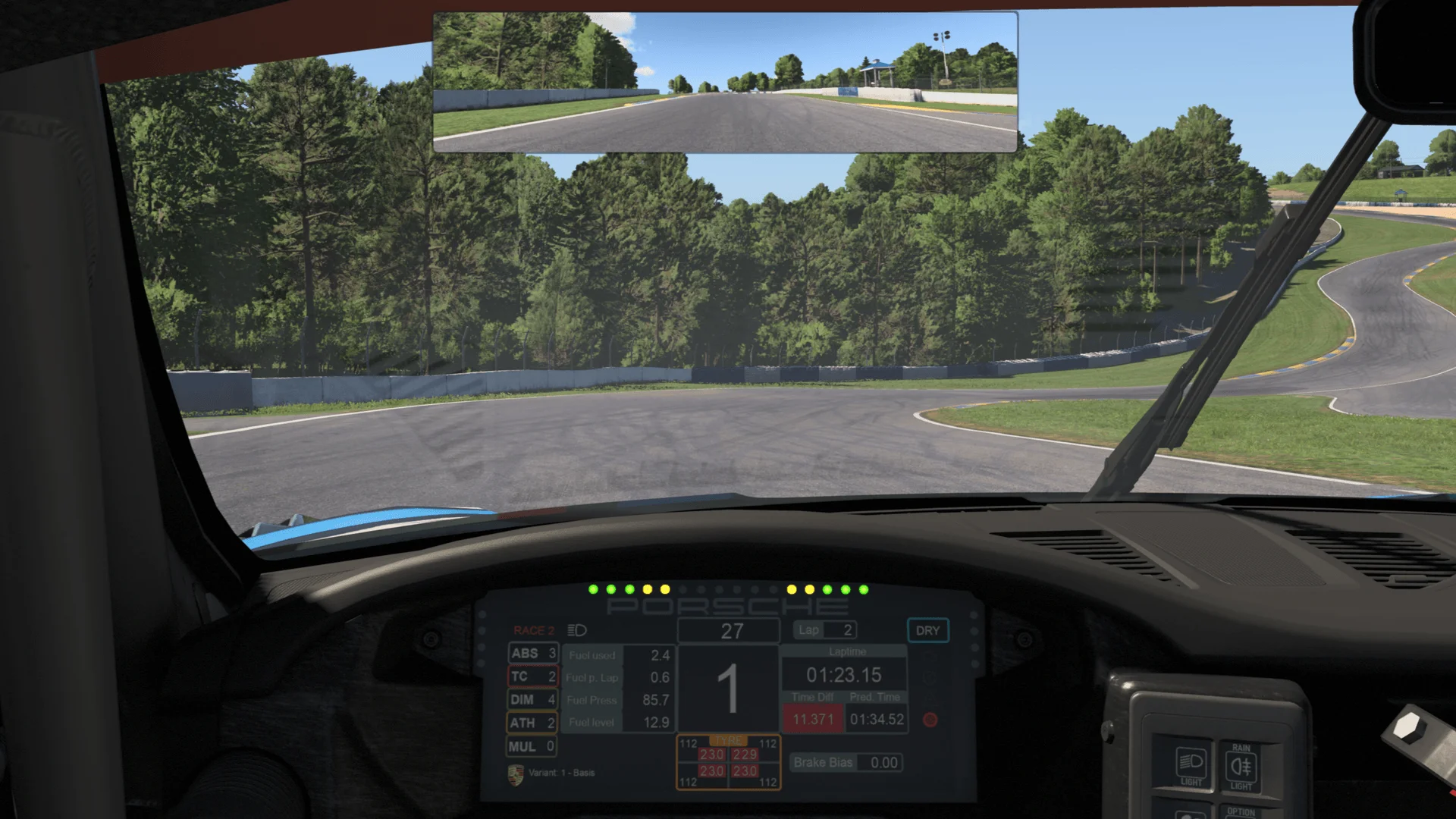
Your setup, in sync
Bring everything into one view. Sim Kit shares your data across your overlays and dashboards.
Bring everything into one view. Sim Kit shares your data across your overlays and dashboards.
Combine data displays, graphs, tables, and gauges. Change their size and appearance, and choose when they appear.
Swipe to view the editor →
Put widgets over your race view or on a separate monitor. Customize either layout.
Change the colors, typography, frames, and spacing. Start with a theme, then adjust each detail to suit your overlays and dashboards.

Bring Twitch and YouTube chat together in your overlays and dashboards.

Show dashboards on your wheel or dash display with the optional SimHub plugin. Overlays and browser dashboards work without it.
Use Sim Kit layouts as OBS sources, or show OBS scene video and audio levels in dashboards and overlays.
Show the current song, artist, and album cover from apps that share Windows now playing.
Download and try the editor for free. Upgrade to Pro for live dashboards and overlays.
Sim Kit supports iRacing on Windows.
No. Overlays and browser dashboards work on their own. The optional SimHub plugin is only needed to show dashboards through SimHub, such as on a wheel or dash display.
Select Manage subscription in your account. Billing changes open in Stripe.
Create dashboards and overlays around the way you race.